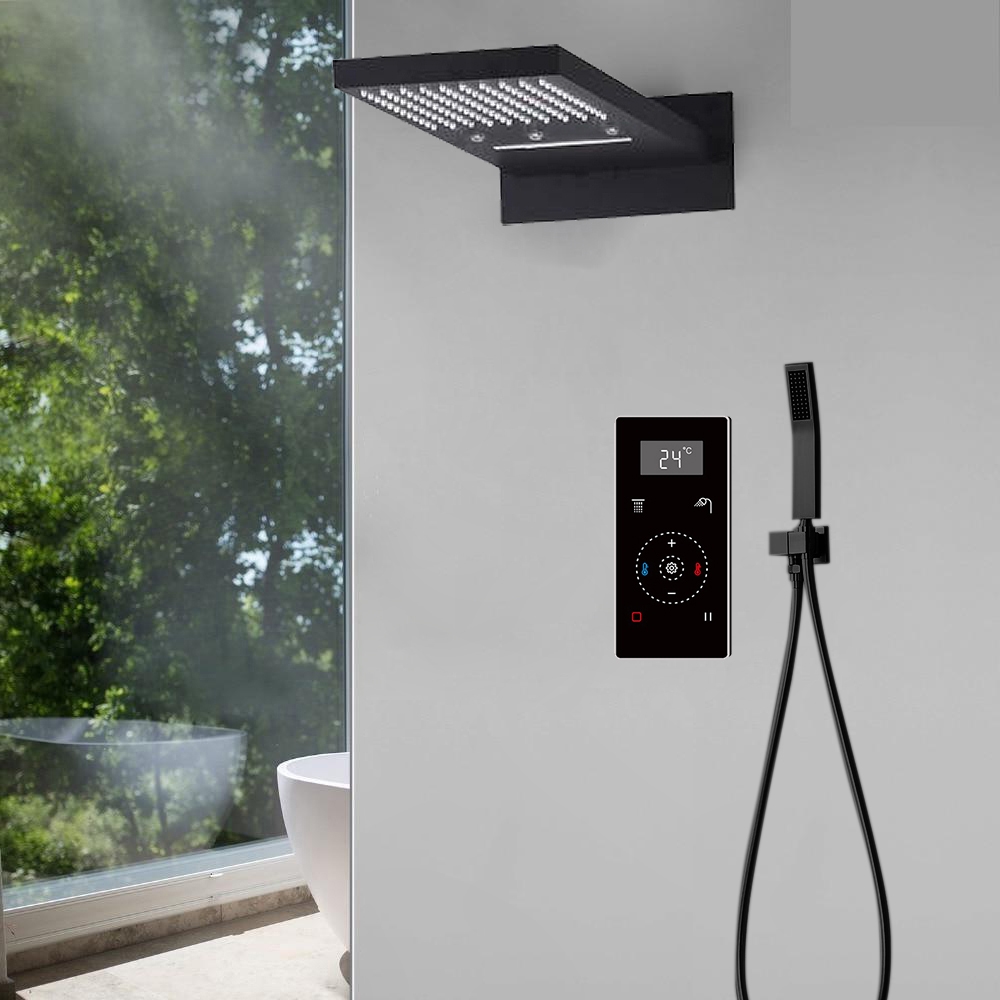
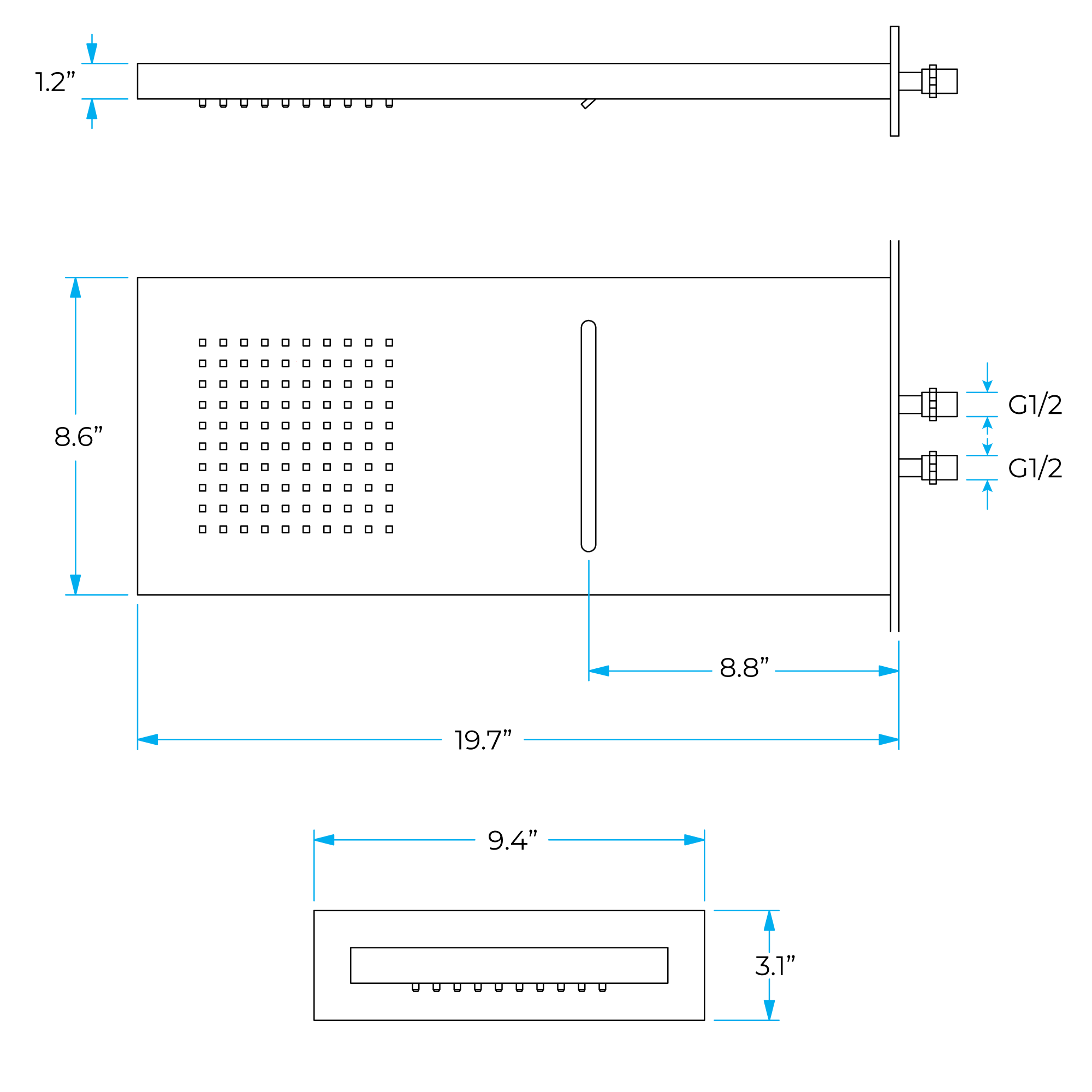
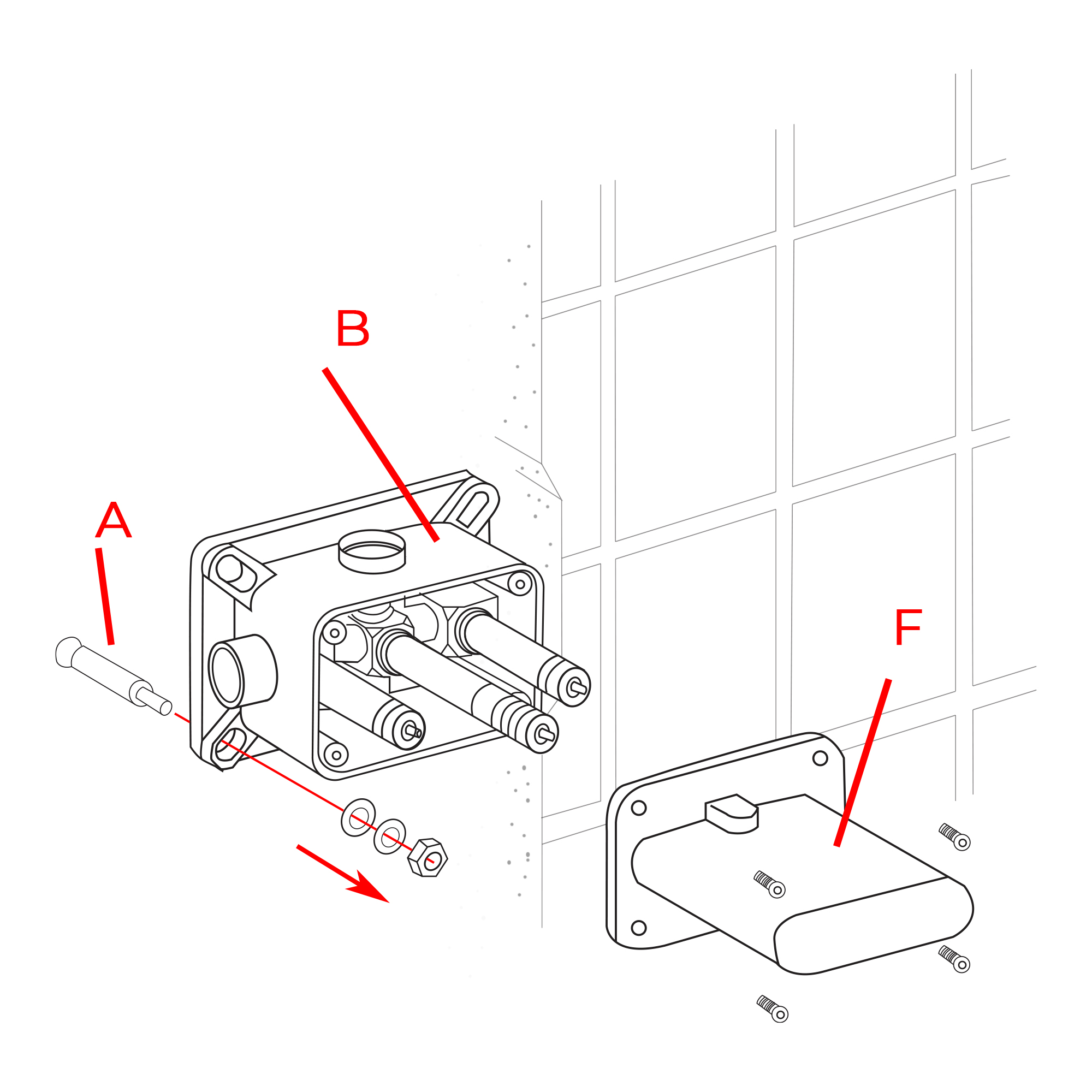
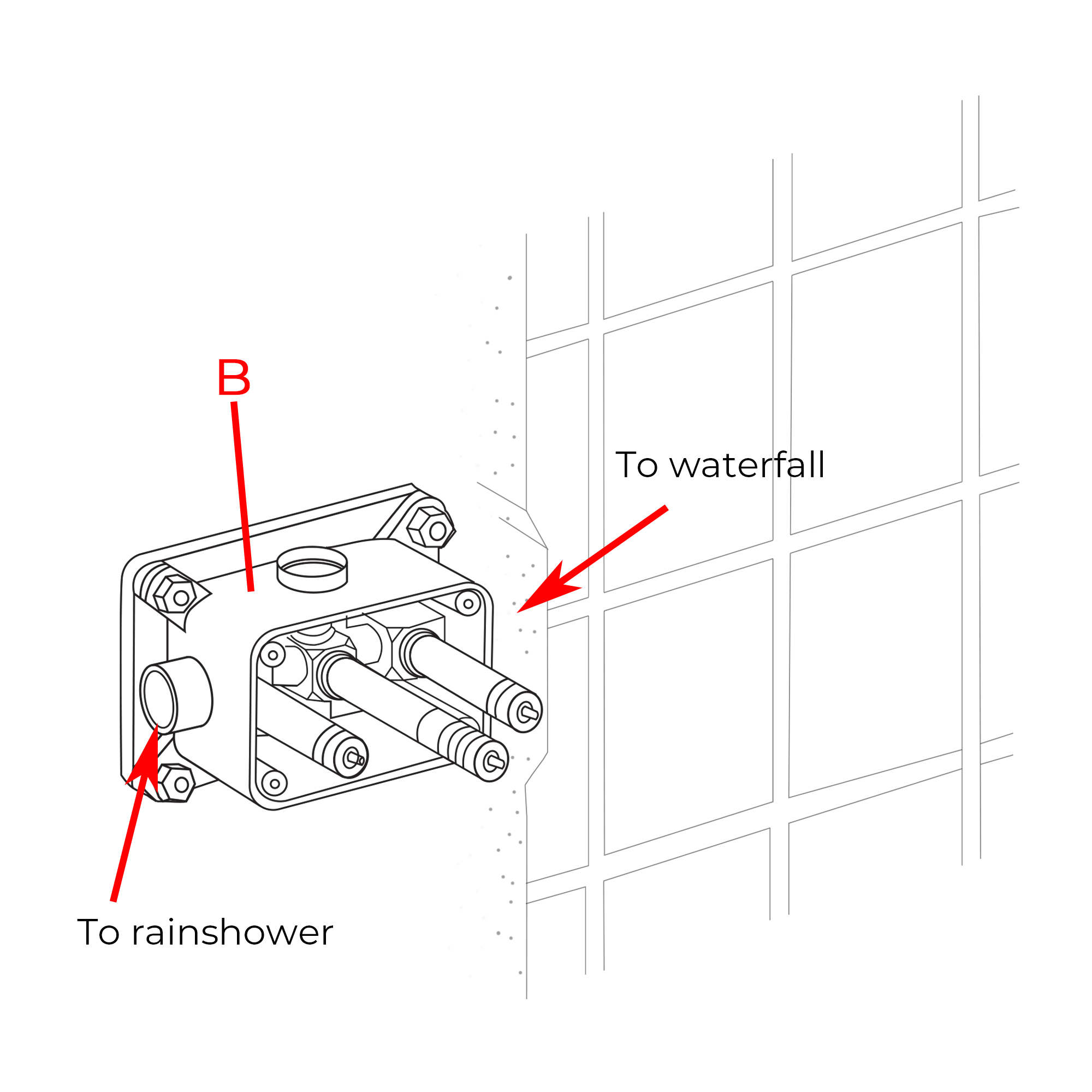
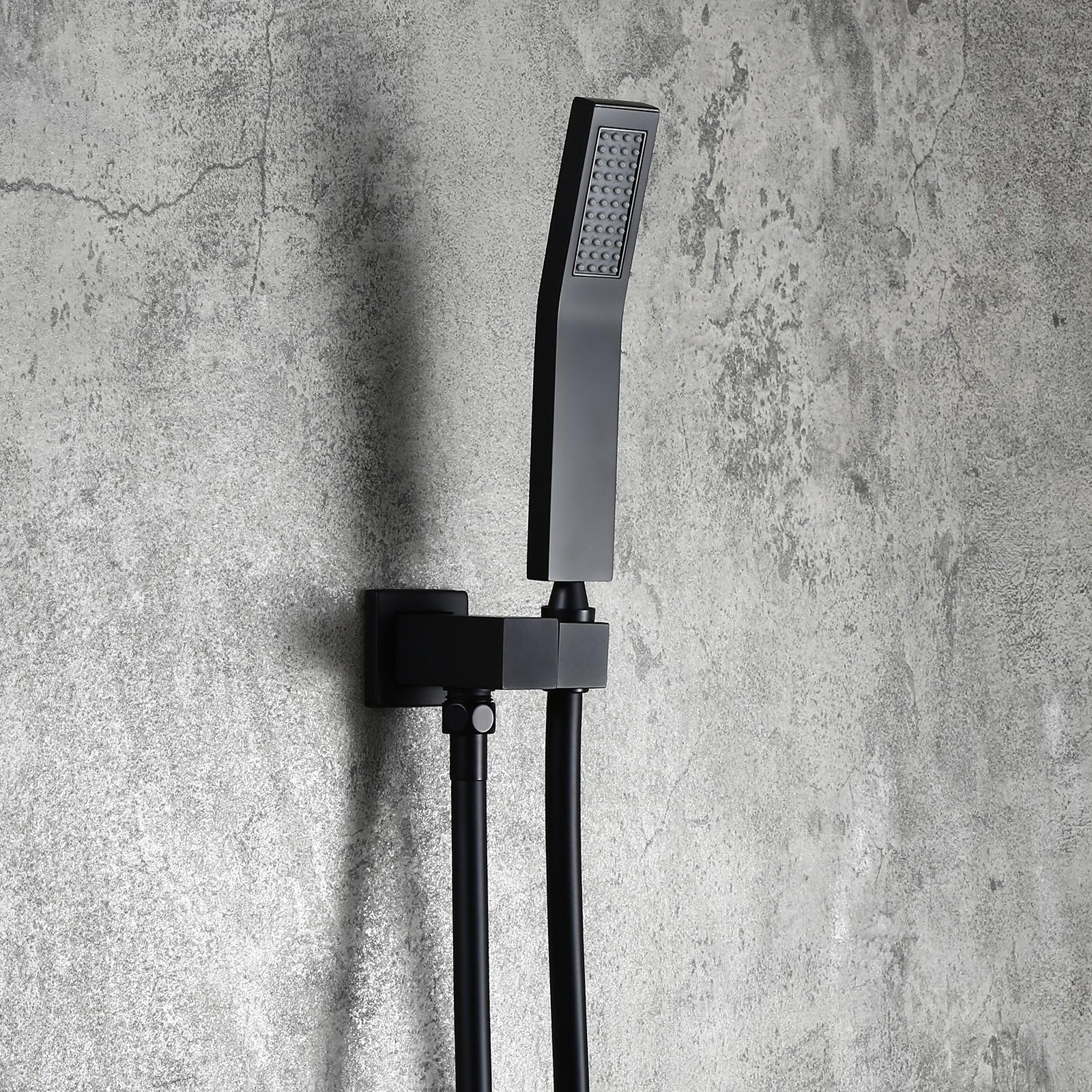
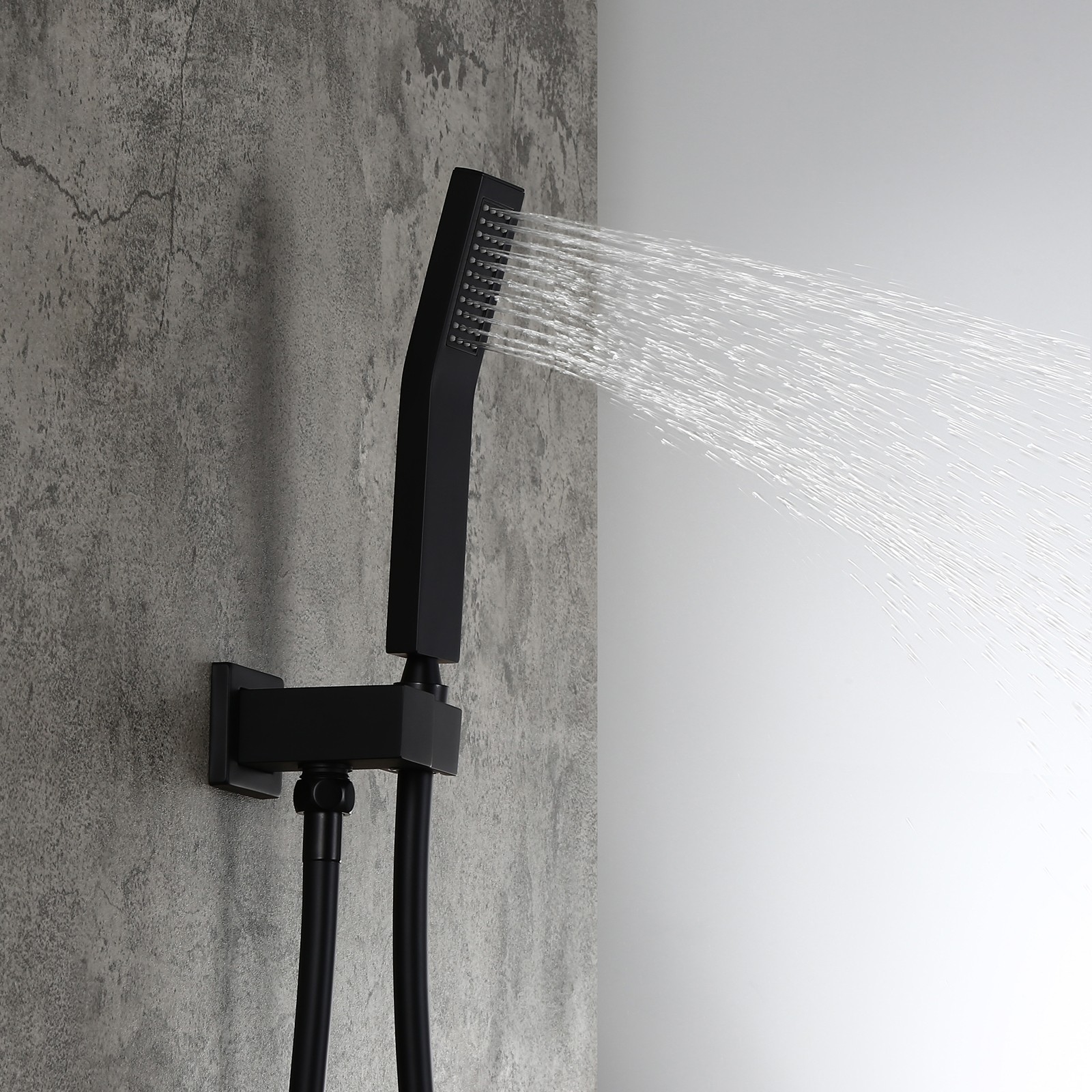
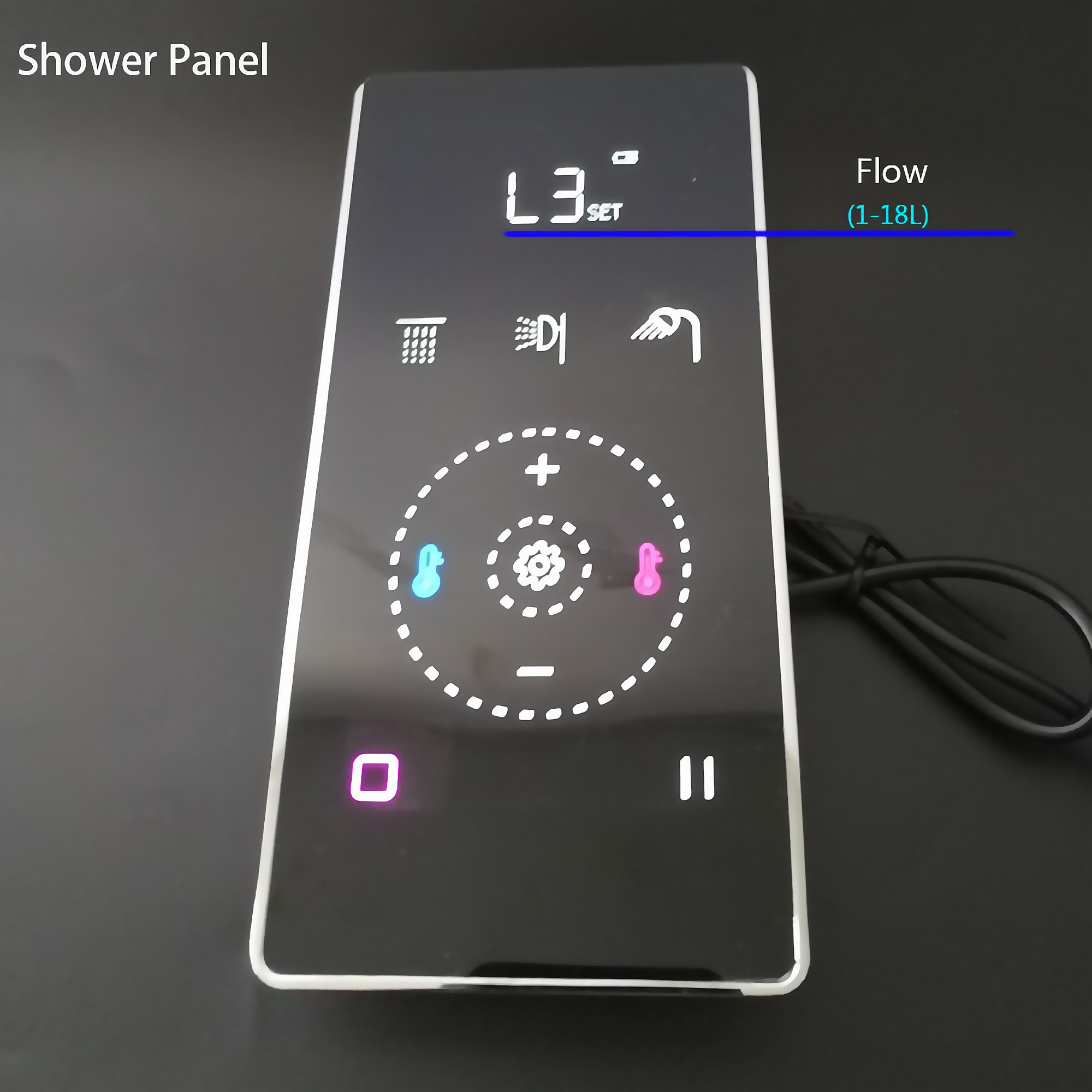
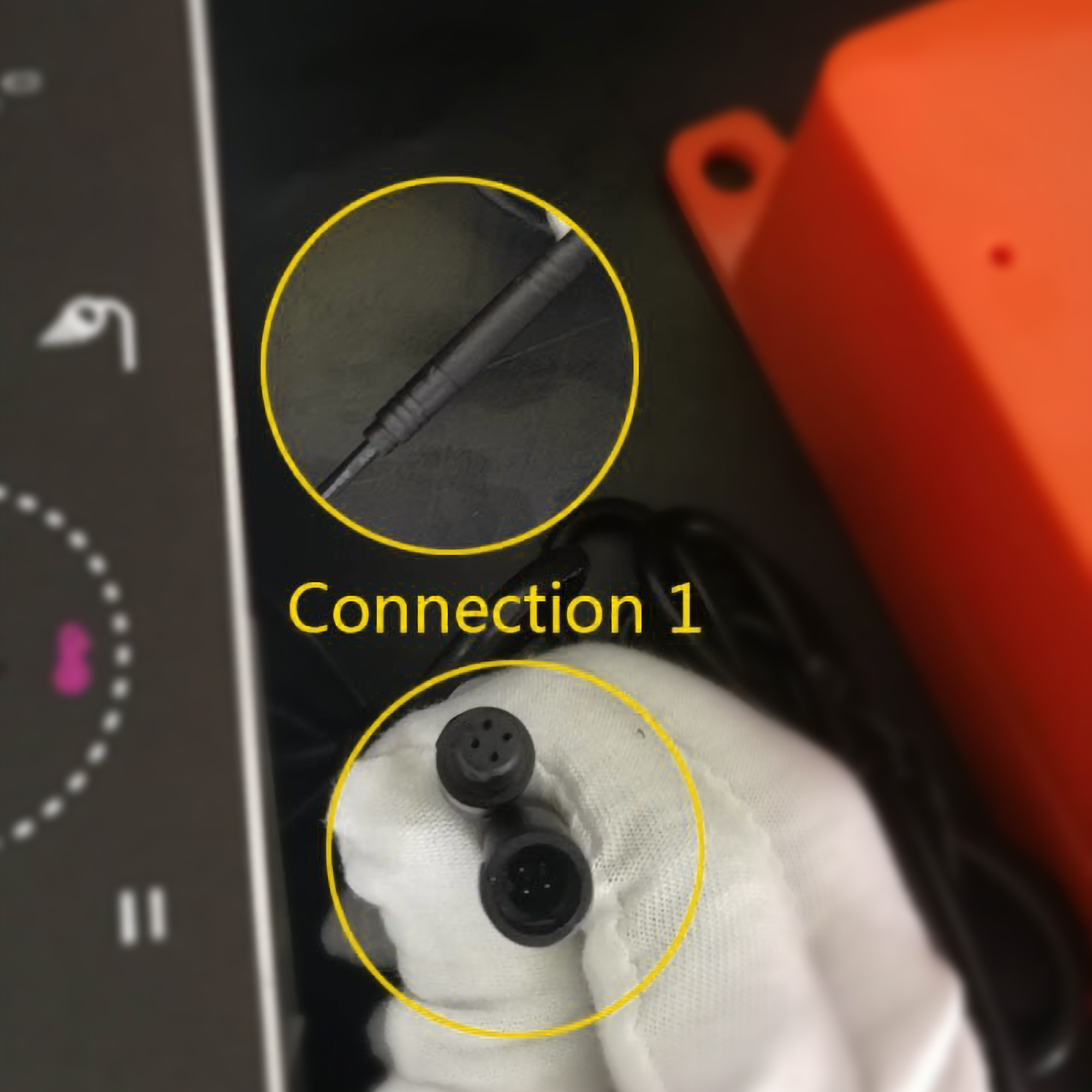
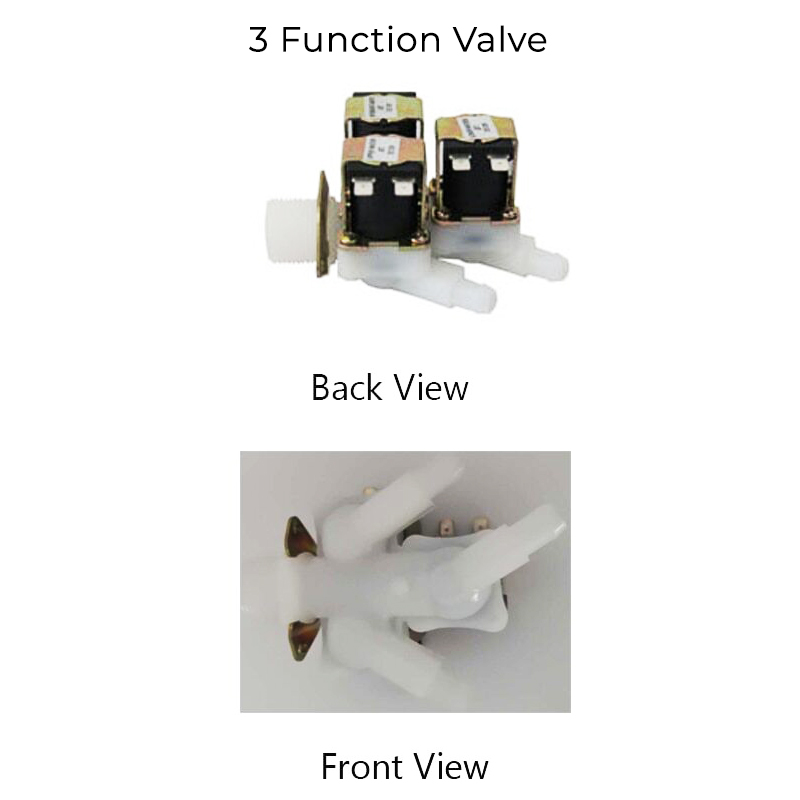
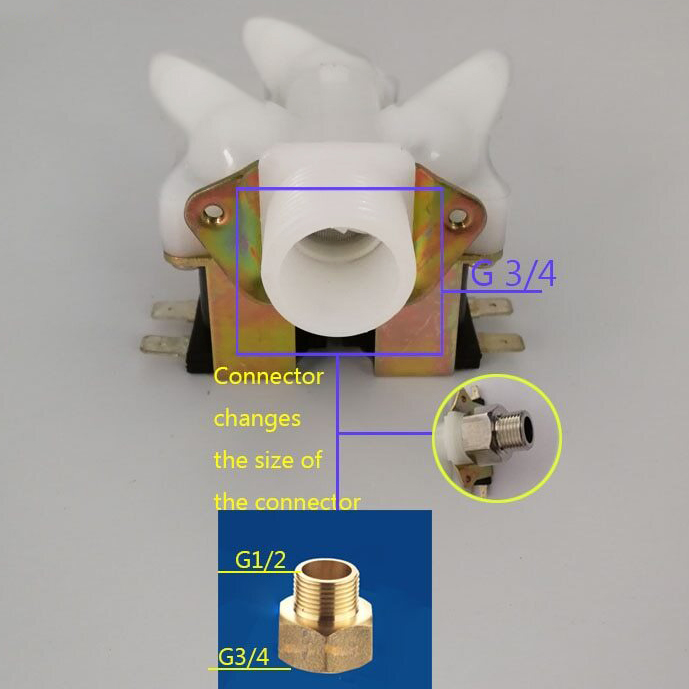
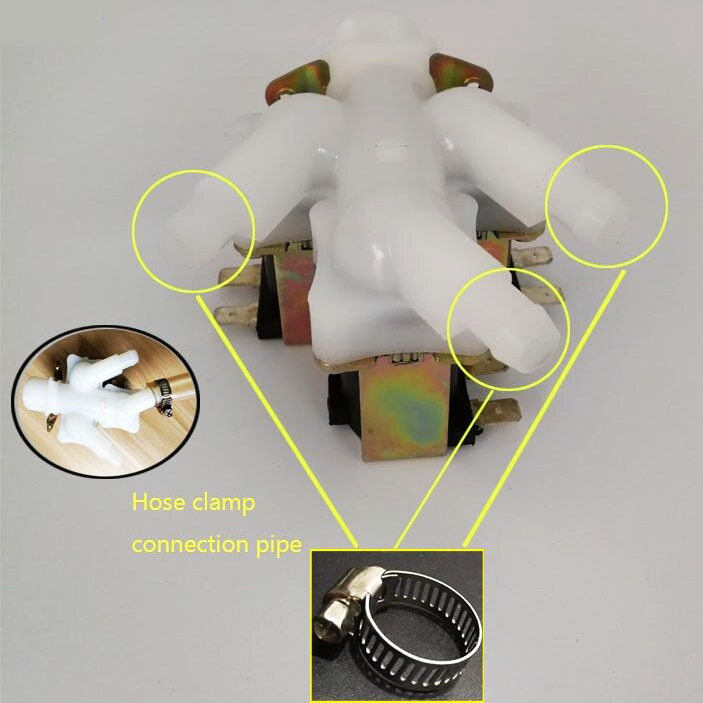
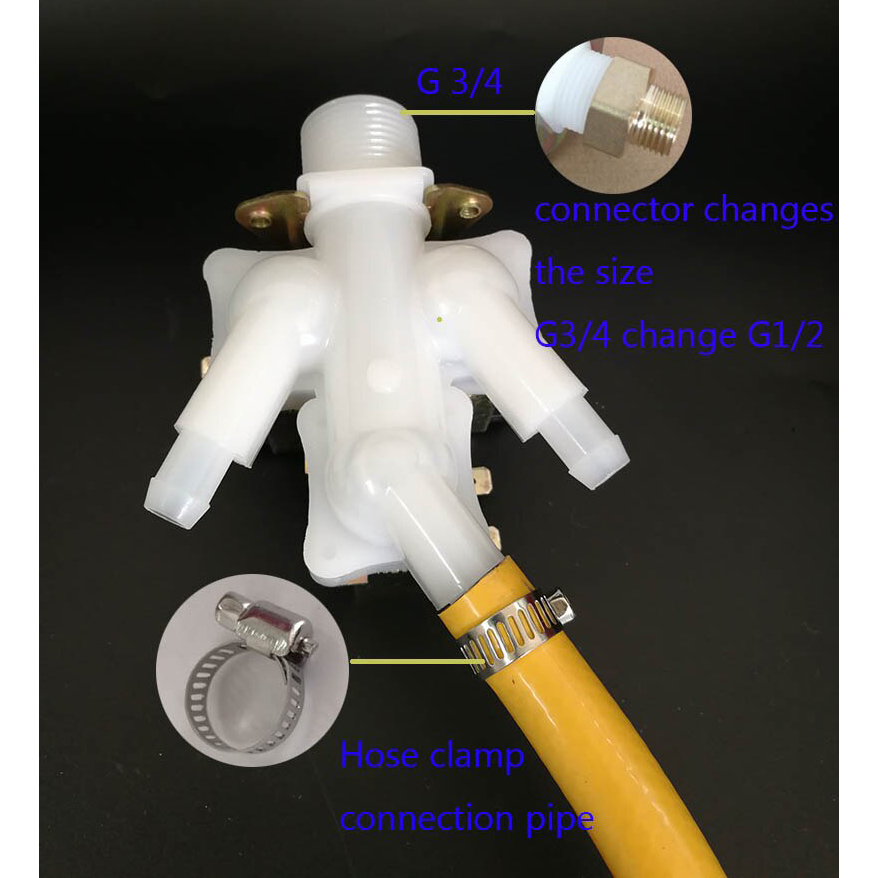
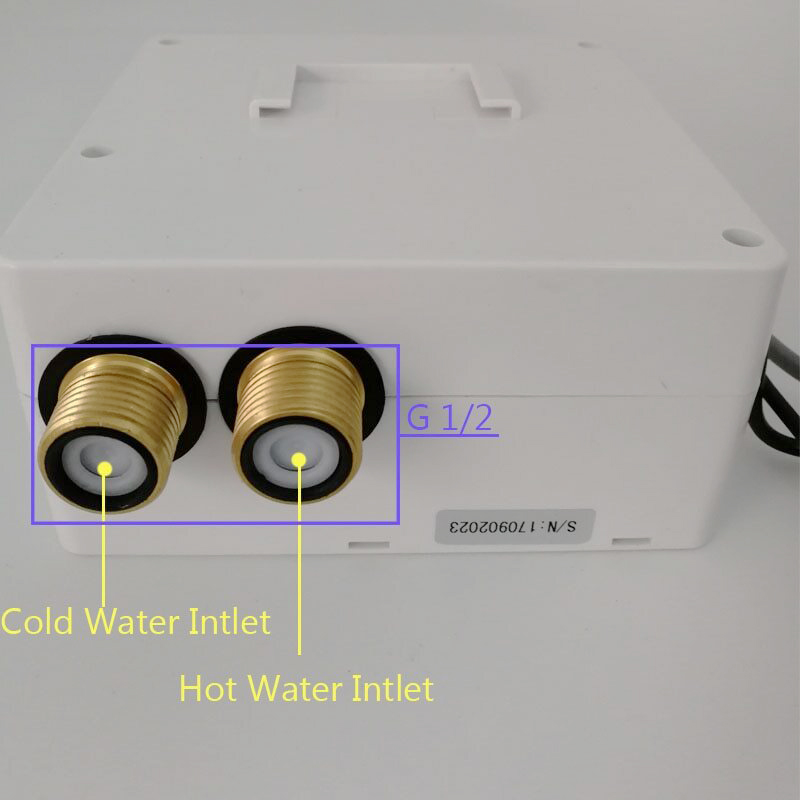
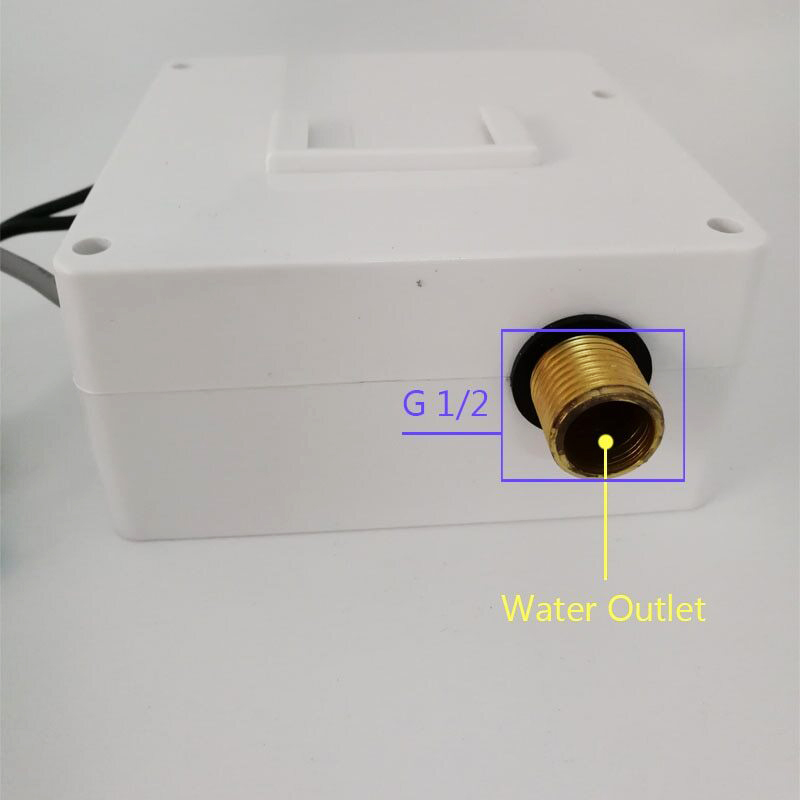
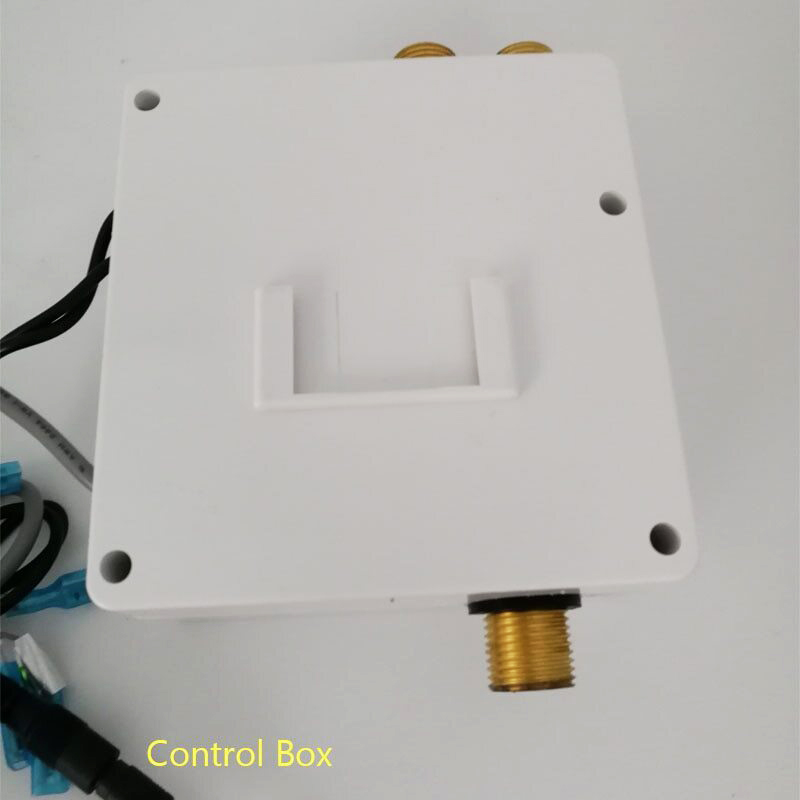
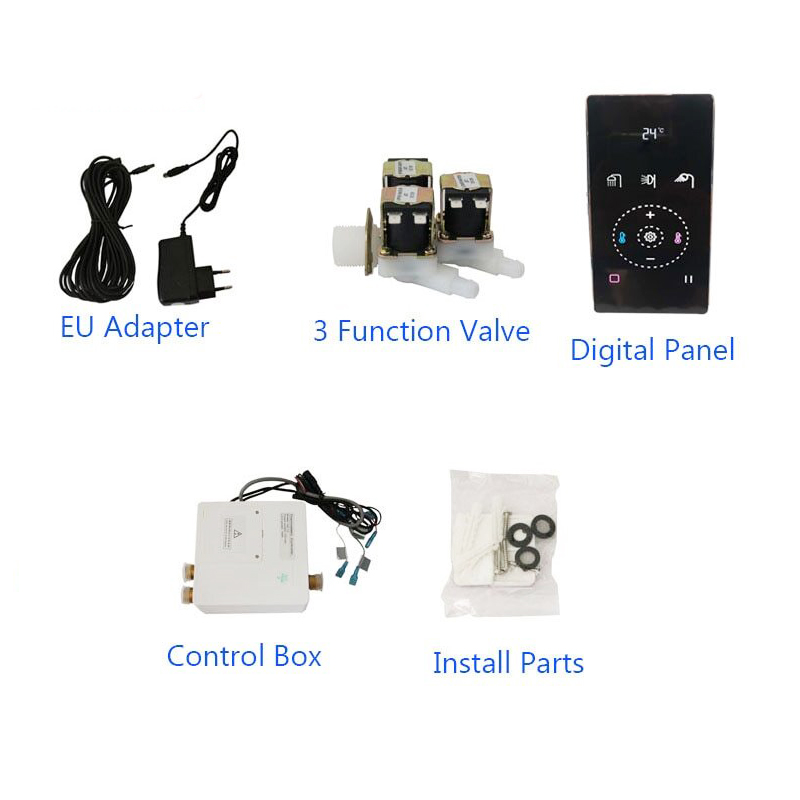
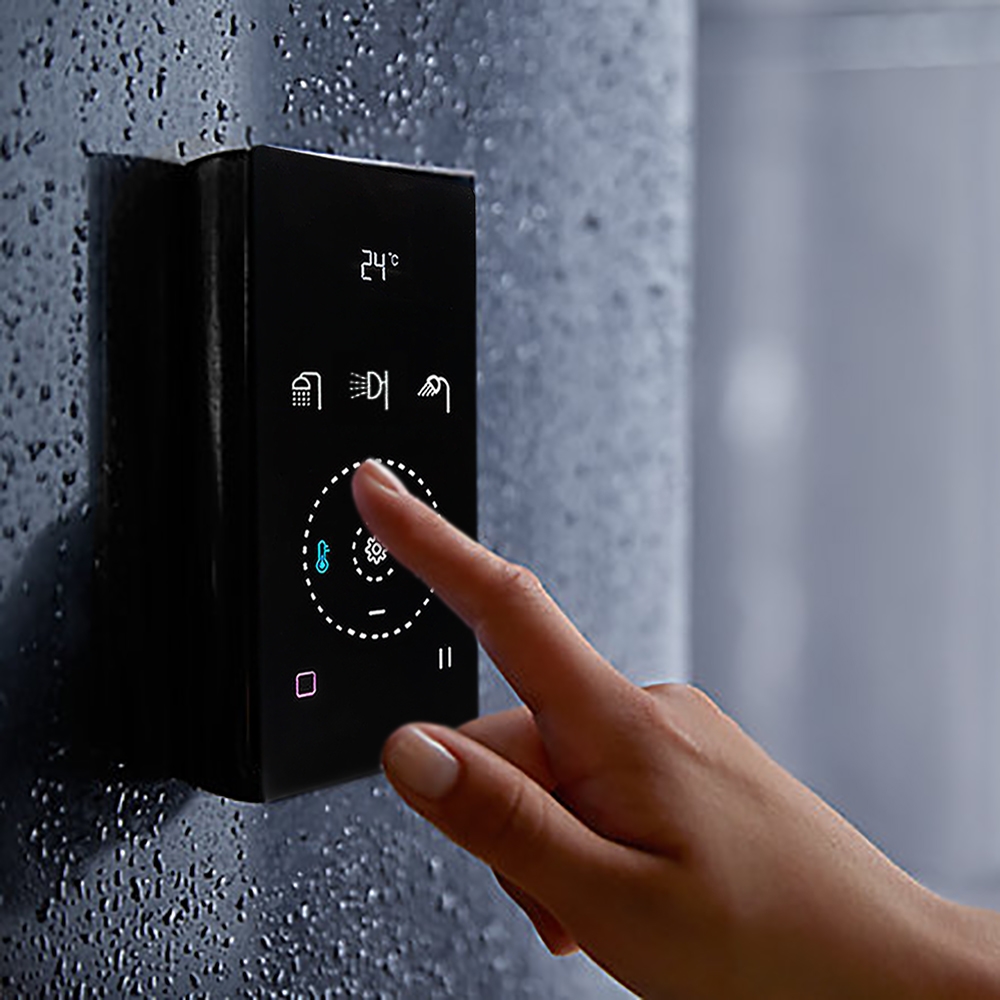
1. Display2. Bath/body jet 3. Add Key 4. Temp minus key 5. Minus Key 6. On/OFF Key 7. Hand Shower 8. Temp add key 9. Set key 10. Shower pause key
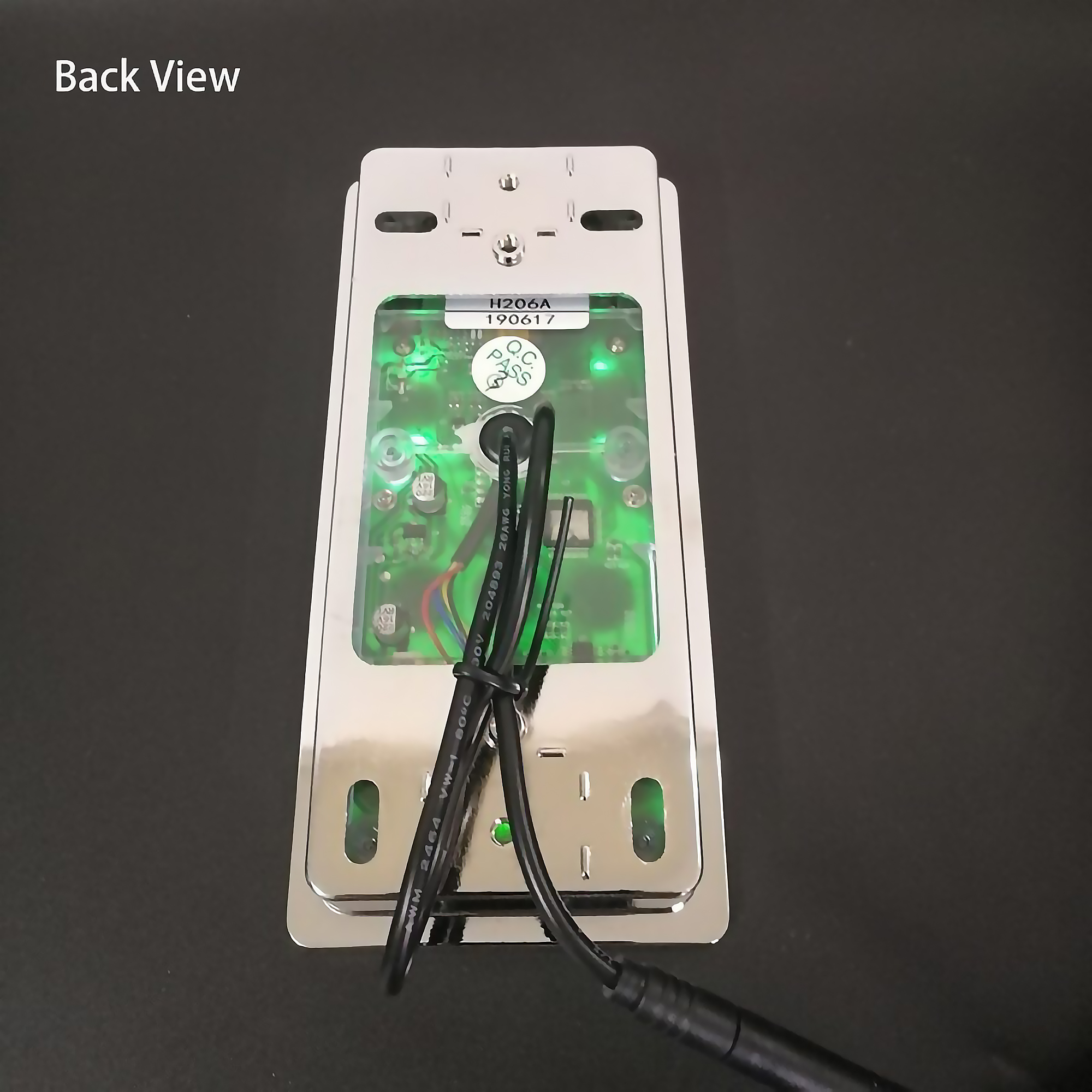
Notice :1. The control panel is sensitive. when installing it. Please avoid letting it face directly to the water from the hand shower and the head shower, because water will get it misoperation or lock the control panel. 2. The touch button is the best sensitive area 3. The touch panel water splash protection technology. When the system detects misoperation no response and needs about 1 second to recover.
Function 1. Water Temp display and setting 2. Water flow display and setting 3. Timing display and setting 4. Spray mode selection.
Operation
1. Standby After electricity, When all the functions are off, System will enter into standby mode automatically, and the display would be off.
2. Power on When under standby mode, Shortly press6 to enter into the system, the display will show the current water temp, the first boot effluent setting temperature defaults to 38-degree c, While default water flow the maximum flow is L8. The power-on default mode is hand shower, and the backlit us 2 bright white the backlit is 1 dark. To choose 1 shower mode after power on, in power off 20 minutes to boot. Otherwise, it will still use current after power on, Otherwise, it will still use current shower mode to open the water. when it powers off over 20 minutes or the system is cut off the electricity. the system will recover to hand shower mode.
3. Power off
After booking, the system starts the countdown according to the set boot time: the system will be off automatically when timing countdown to "0" or shortly press 6 key.
4. Lock
After power on, without any operation in 20 seconds. it will enter the lock state. Display show lock symbol. in addition to 6 and 10 number key. other keys without any response press shortly 6 to unlock.
5. Water temp display and setting
When the system is on, the default water temp is 38 degrees C, the display will show the current water temp. If shortly press 4or 8 it will enter into water temp setting mode with 'SET'on, show as picture3. At this moment, if shortly press water temp minus key 4 for one time, water temp will decrease by 1-degree c. If shortly press water temp adds key 8 for one time. water temp will increase by 1-degree c. when no operation on water temp adjustment within 3 seconds, it will exit the water temp setting mode. water temp setting range is 25-degree c- 48-degree c. The set temperature will be saved in the system, the next boot the system automatically calls the save set temperature (Save the setting temperature is not affected by power system).
|